




WELOCK WIFIBOX 3 and sensors: The missing link for a smarter lock
If you have dipped your toes into the world of smart home technology, you know the feeling of “range anxiety.” No, not the kind you get with electric cars, but the frustration of Bluetooth devices.
Bluetooth is fantastic for battery life and local security, but it has a major tether: proximity. You have to be right there to make it work.
We have been loving our WELOCK U81 Smart Lock; it is sleek, secure, and keyless. But the moment we stepped away from the studio, that connection was severed. We couldn’t check entry logs, we couldn’t manage users remotely, and we certainly couldn’t let anyone in while we were away from the premises.
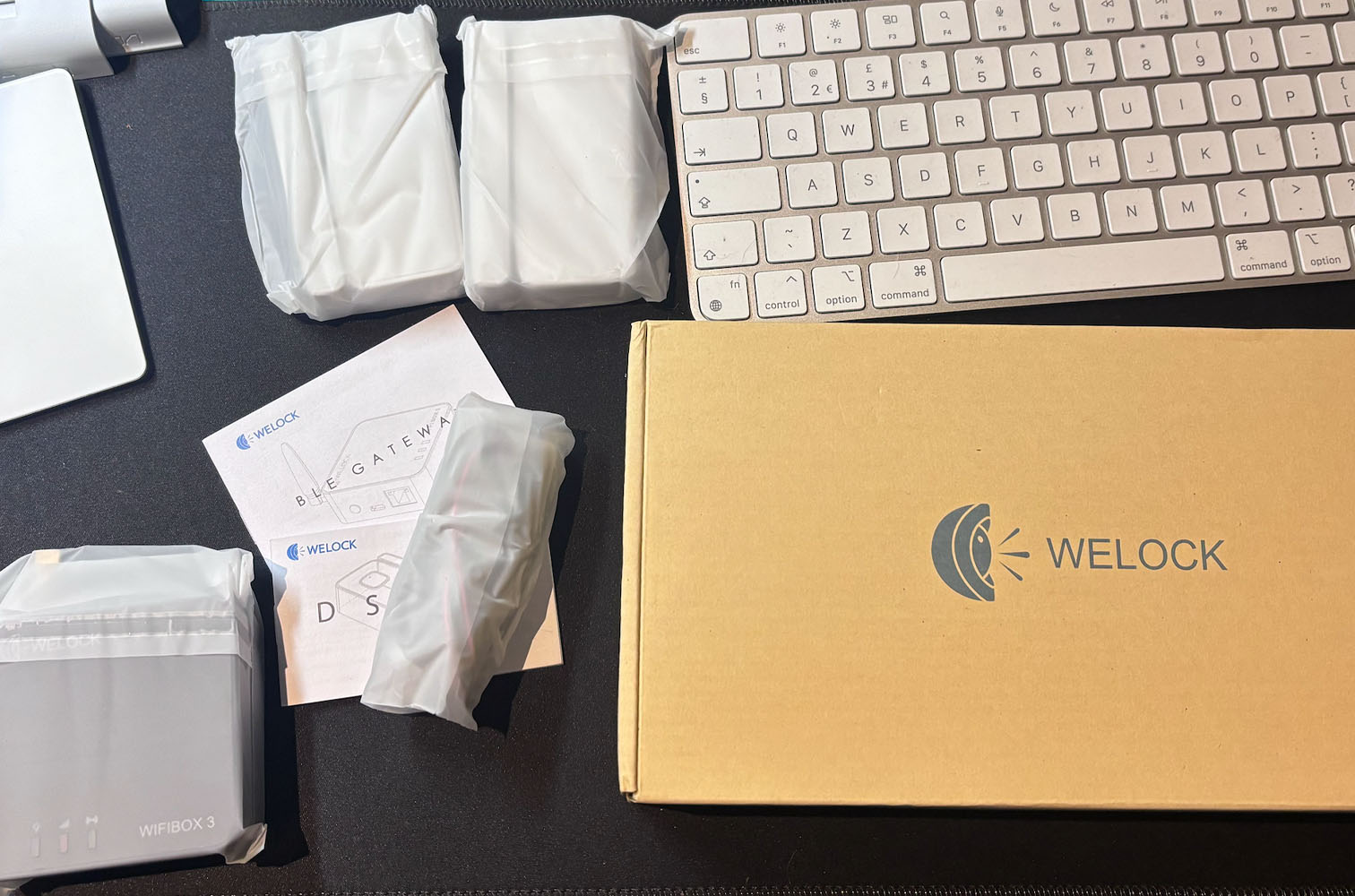
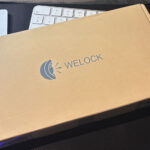
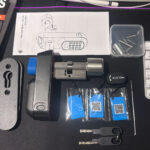
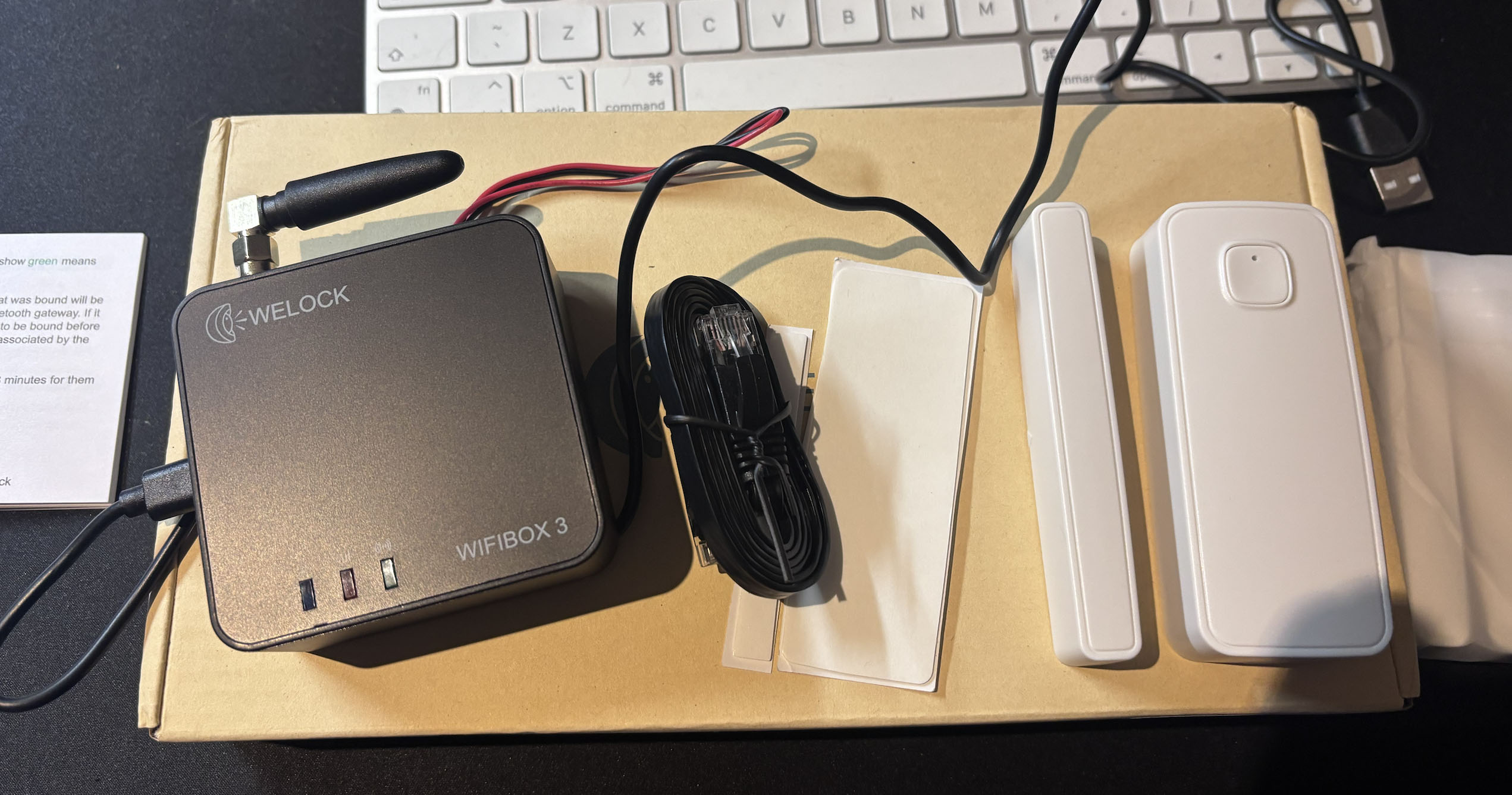
Enter the WELOCK WIFIBOX 3. This small, unassuming black box promised to bridge that gap, connecting our Bluetooth lock to the wider internet. We also picked up the bundle with a pair of smart door sensors, hoping to expand our security setup. After putting this system through its paces in a challenging studio environment, here is our deep dive into why this might just be the most essential accessory WELOCK makes.
Connectivity challenge: WIFI vs. reality
Let’s address the elephant in the room immediately – or rather, the doors in the room.
Most smart home bridges operate solely on Wi-Fi. You plug them into the wall, they grab your wireless signal, and they talk to your lock. That sounds great in theory, but in practice, many of us work in areas that are hostile to wireless signals.
Our specific setup involves a stairway separated from the main router by two heavy-duty fire doors. We have fought this battle before; our smart video doorbell is constantly dropping offline because the 2.4GHz signal just cannot punch through those dense, fire-rated layers. We were genuinely worried we would face the same “Device Not Found” nightmare with the WIFIBOX 3.
The LAN cable saviour
This is where WELOCK has truly outsmarted the competition. They clearly realised that people who buy professional-grade smart locks often have professional-grade doors (i.e., thick ones).
While the WIFIBOX 3 can connect via Wi-Fi – and I’m sure that works beautifully for open-plan homes – it also features an RJ45 Ethernet LAN port.
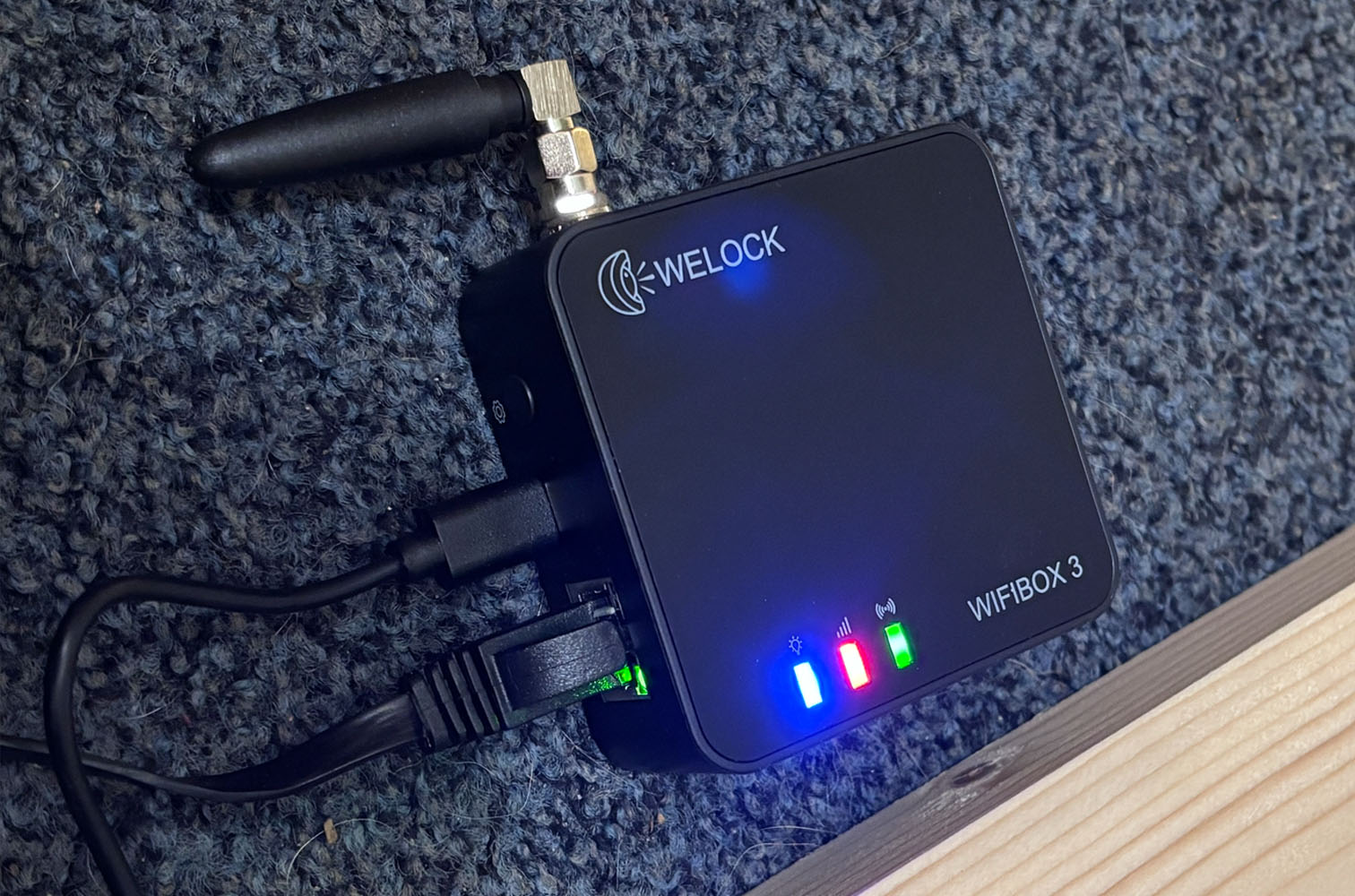
We ignored the Wi-Fi setup entirely and plugged a LAN cable directly from our router into the WIFIBOX 3. The difference was night and day.
- Zero Dropouts: The connection is rock solid.
- Instant Recognition: The app found the gateway immediately.
- Reliability: Because it is hardwired, we don’t have to worry about signal interference or the fire doors blocking the data.
It is rare to see consumer smart home gear that still respects the stability of a wired connection. For us, this feature alone made the device a winner. If you have thick walls, metal doors, or just a crowded Wi-Fi network, this hardwired option is an absolute lifesaver.
Unleashing the U81: remote management
Once the box was online (which took all of five minutes), the functionality of our U81 Smart Lock completely transformed.
Previously, the lock was an isolated island. Now, it is part of a connected ecosystem. Through the WELOCK app, the “Bridge” allows us to perform critical tasks from anywhere in the world.
- Remote unlocking: We can now unlock the door from the office if a family member forgets their credentials.
- Access logs: This is a favourite feature. We can view a real-time history of exactly who accessed the lock and when. It provides incredible peace of mind to know exactly when the house was accessed.
- User management: Adding or deleting passcodes or RFID cards no longer requires standing next to the door. We can manage the database from the comfort of the sofa or even while on vacation.
There is a small latency – a tiny delay – when sending a command via the WIFIBOX 3 compared to standing next to the lock with Bluetooth. This is fully expected; the signal has to go from the phone, to the cloud, to the box, and then convert to Bluetooth for the lock. It’s a matter of a second or two, and honestly, for the ability to unlock my door from 50 miles away, it is a trade-off I am happily willing to make.
“Alexa, unlock the studio door”
The WIFIBOX 3 isn’t just a tunnel for the WELOCK app; it is a translator for your smart home assistants.
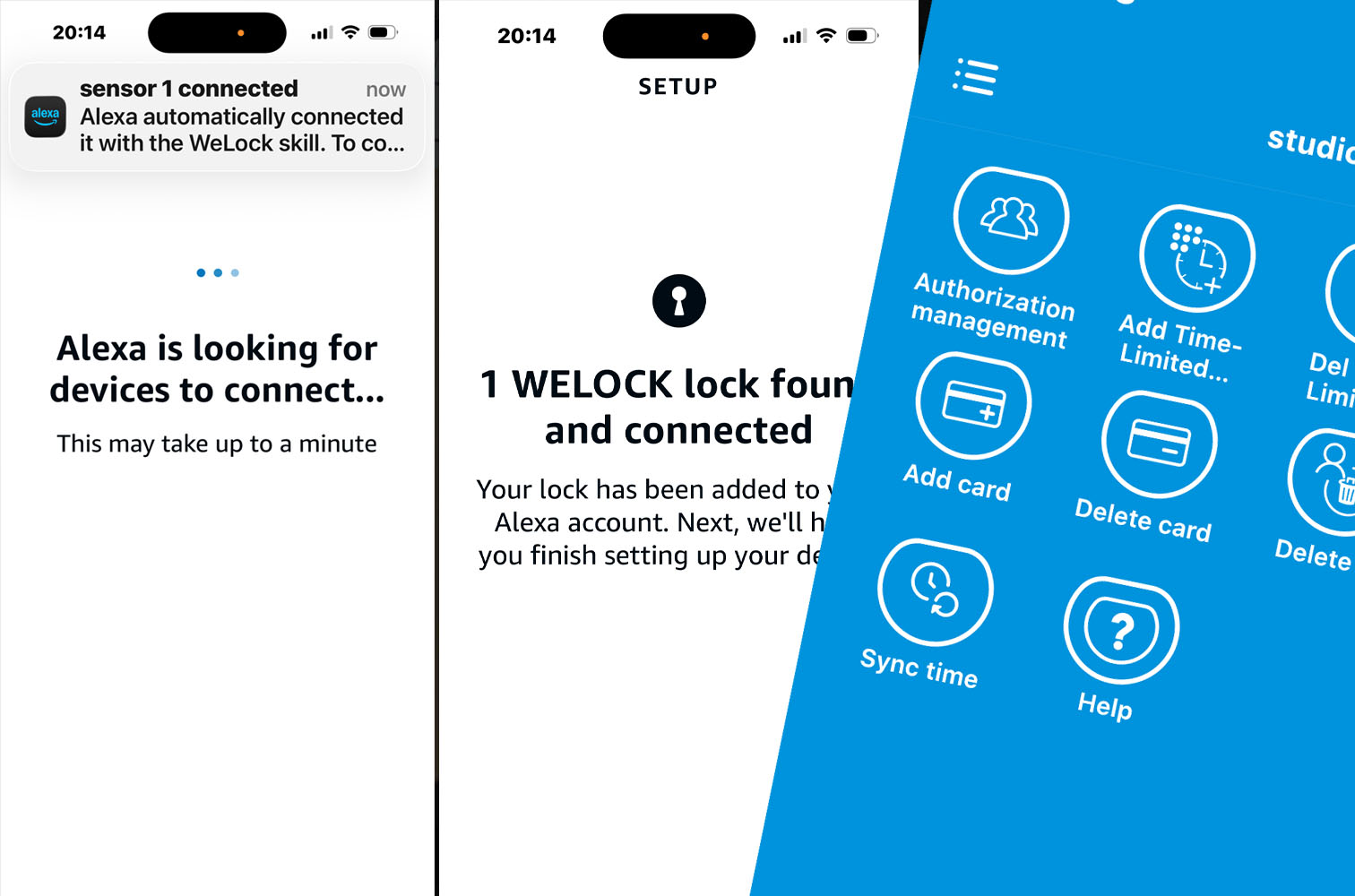
Integration with Amazon Alexa was seamless. Once we linked the skills, our lock appeared as a device in our Alexa ecosystem. This enables voice automation that feels genuinely futuristic.
You can ask Alexa to unlock the door (which requires a secure voice code, a smart safety feature to prevent people shouting through the letterbox to open your house!). You can also integrate the lock into “Routines.” For example, you could set up a “Goodnight” routine that ensures the door is locked when you turn off the lights.
Expanding the perimeter: the smart door sensors
We opted for the package that included the new Smart Door Sensors, and they have proven to be a surprisingly useful addition.
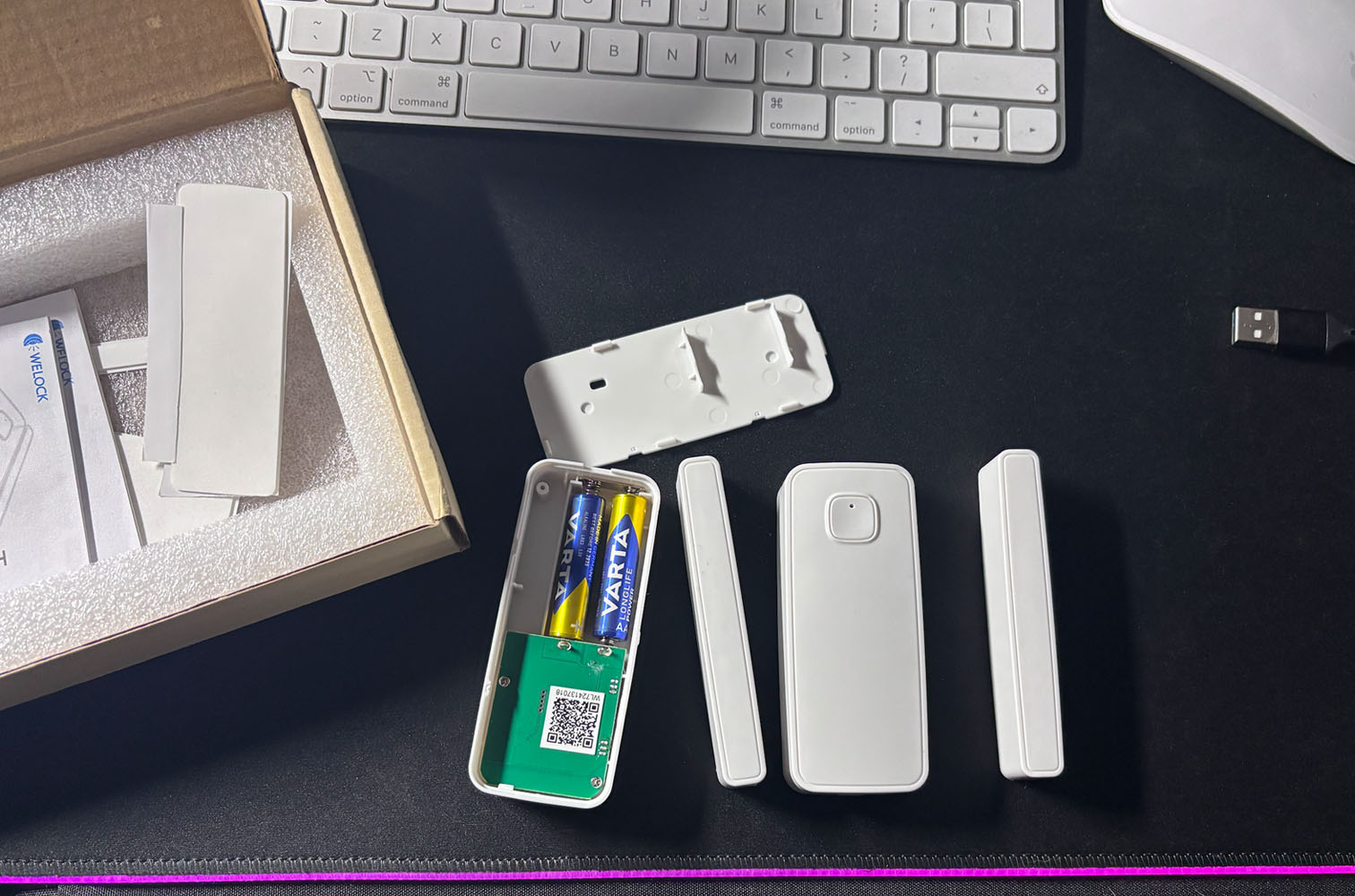
The WIFIBOX 3 acts as a hub for these sensors as well. We placed them on our back door and the garage side door—areas that don’t have smart locks but are critical security points.
The sensors are small, unobtrusive, and easy to mount. Through the app, we now get instant notifications whenever these doors are opened or closed.
Did I leave the back door open when I let the dog out? Checked the app. Yes, I did.
Did someone open the garage door while we are away? We would get an alert instantly.
Since the sensors are a relatively new addition to the WELOCK lineup, using them has made us very curious about the future. If the WIFIBOX 3 can bridge locks and door sensors, what else is coming? Windows sensors? Motion detectors? It feels like WELOCK is building a comprehensive security ecosystem, and the WIFIBOX 3 is the central brain that will make it all tick.
Our verdict
The WELOCK WIFIBOX 3 is the device that takes a “smart lock” and makes it a “smart home.”
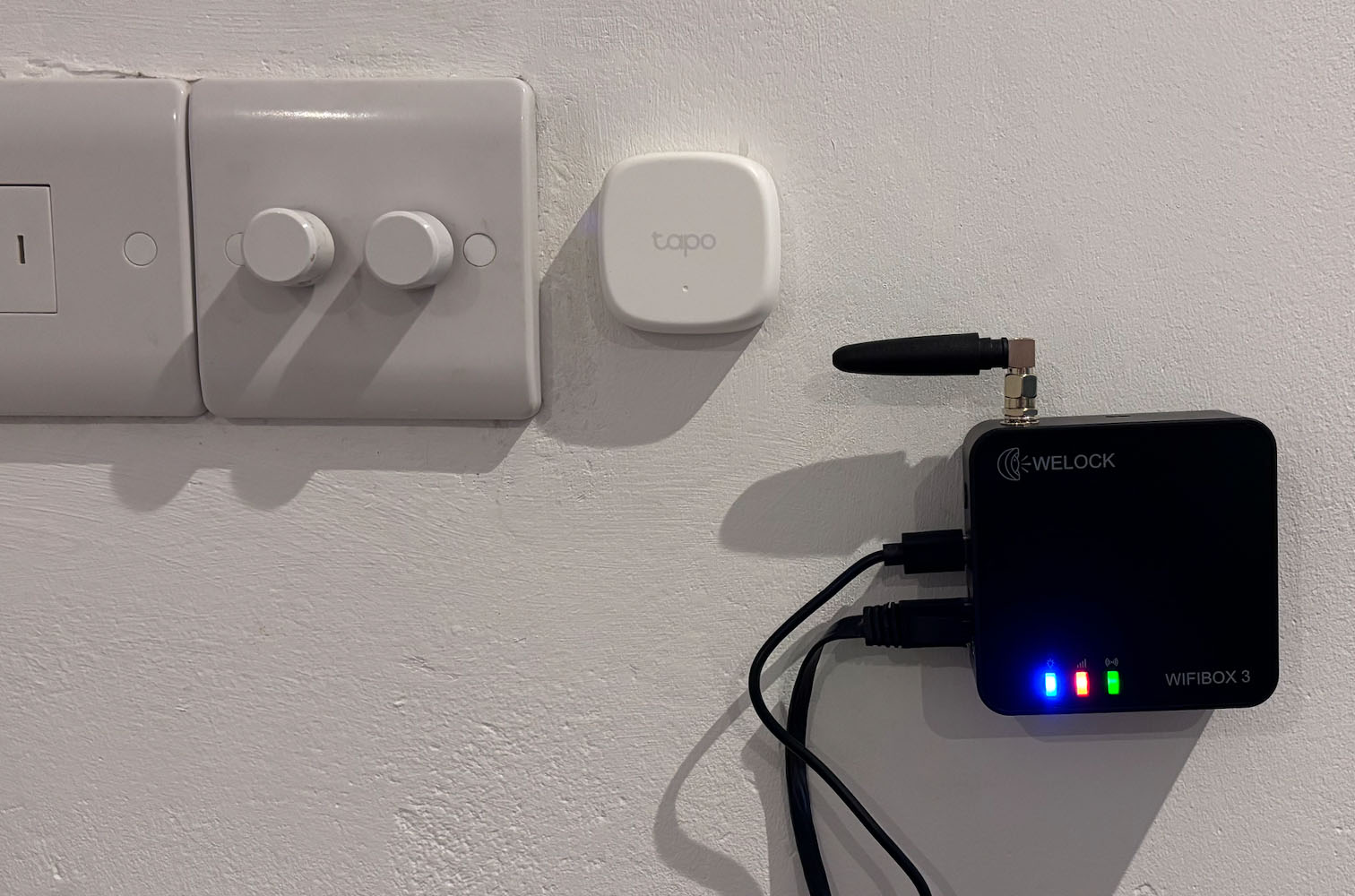
Without it, you have a great digital lock. With it, you have a fully automated, remotely manageable security system. For our specific situation, the inclusion of the LAN/Ethernet port was the deciding factor. It solved a physical infrastructure problem (our impenetrable fire doors) that other wireless bridges simply couldn’t handle.
Pros:
- LAN/Ethernet Port: This is essential for us and provides unmatched stability and bypasses thick walls/doors.
- Remote Access: truly reliable control of our WELOCK U81 smart lock from anywhere.
- Smart Integration: Works flawlessly with with our Alexa eco-system after downloading the Alexa Skill. It also works with Google smart home, but we didn’t test that as we don’t use it.
- Sensor Hub: Connects seamlessly with the new door sensors for added security.
Cons:
- Slight Delay: A minor latency compared to direct Bluetooth, but negligible in real-world use.
If you own a WELOCK U81 the WIFIBOX 3 isn’t just an accessory; it is a necessity. It provides the stability, the connectivity, and the intelligence that modern studio security demands. Highly recommended.

Related Posts