
Omni X users report rotary headaches, but free motherboard fixes issue
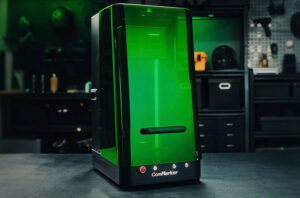
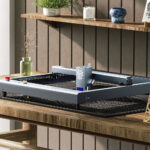
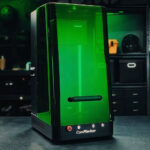
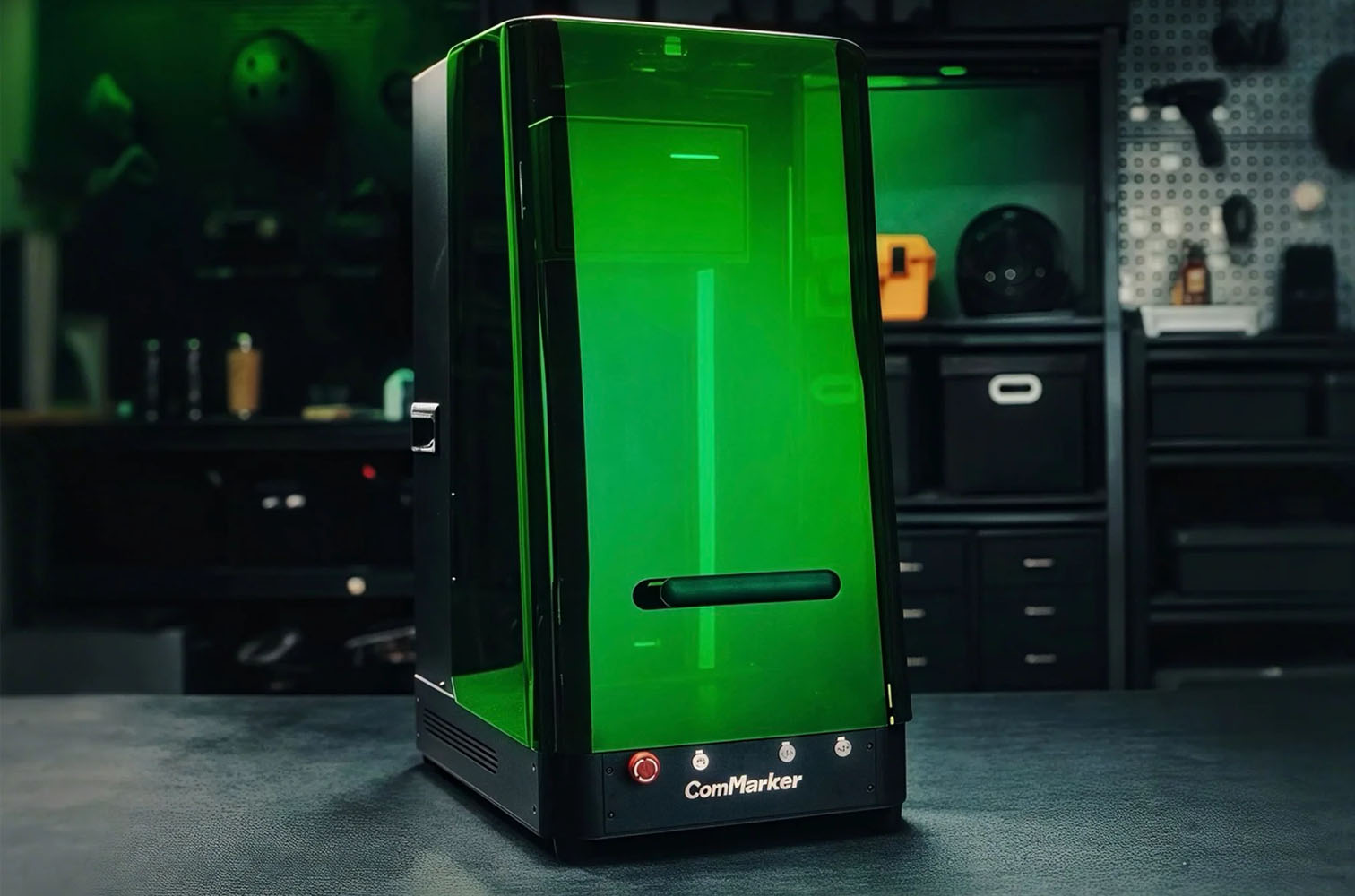
Owners of the high-end ComMarker Omni X laser engraver, an expensive flagship machine widely praised for its power and features, have been voicing disappointment over a significant out-of-the-box compatibility issue affecting the machine’s rotary attachment when used with the popular LightBurn software.
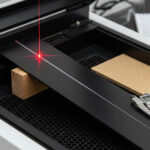
The issue, stemming from the early control boards shipped with the first batch of Omni X machines, has left many users unable to reliably use the rotary function – a key feature for engraving cylindrical objects like tumblers and glassware – unless they resort to using ComMarker’s proprietary software.
A frustrating problem for premium pricing
The Omni X is a substantial investment, often costing around £2,990 ($4,000), and users have been quick to share their frustration on social media and dedicated forums. The rotary attachment is a critical component for many buyers, and discovering a major flaw upon arrival has dampened the initial excitement.
One affected user candidly shared their experience and the necessary solution: “Are you using LightBurn? You have to get a new motherboard. Email support and they will send one for free. I got mine the other day and the rotary works perfectly now. It’s a pain for such an expensive machine, but it’s fixable.”
Another user confirmed the fix after doing their own research, noting: “I just got mine a few weeks ago, it would not work from day one with the rotary. I did a bunch of research on the FB groups and saw that it was a common issue with LightBurn. They sent me a new board and it 100% fixed the issue.”
The prevalence of the problem has led to speculation among the community. One user, having successfully received a replacement board, felt the company might have been aware of the issue before shipping: “I sort of feel like they knew that this was an issue and just sent them out anyways hoping no one would use LightBurn. The only saving grace for me is they were 100% willing to send me the board to fix the issues no questions asked.”
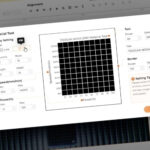
The problem appears to be centered on LightBurn compatibility, though one user using only the native ComMarker software for shot glasses reported difficulties, too, wondering if the issues might be related. “I’m using ComMarker studio only. Haven’t gone through the LightBurn setup yet because of some issues I had. I now wonder if they’re related. I’m waiting to hear back from support. It is a little disappointing for a $4,000 product to have these issues on arrival.”
ComMarker steps up with free replacement
In a commendable move to rectify the situation, ComMarker has acknowledged the defect and is actively sending out free replacement mainboards to all affected customers.
A spokesperson for ComMarker released a statement addressing the concerns: “We sincerely apologise, the first batch of Omni X rotary attachments did indeed have poor compatibility with LightBurn.”
They explained that the problem was only discovered post-shipment, possibly due to external factors: “Although it worked well during testing, we only realised this issue after customers received their orders. [It was] maybe caused by different countries having different voltages and currents, resulting in different compatibility issues. We have fixed this issue by upgraded the mainboard.”
The company confirmed that all new machines shipping now contain the corrected component: “The current Omni X mainboard is fully compatible with LightBurn when using the rotary. If you require it, we will send you a new free replacement mainboard.”
What Omni X owners need to know
The situation is particularly relevant for recent buyers, as many are just now unboxing their machines or have not yet had a chance to test the rotary attachment. Experts recommend that any Omni X owner who purchased a machine in the initial batch, or who experiences rotary problems with LightBurn, proactively reach out to the manufacturer.
To request a new, compatible motherboard, customers are advised to contact the company via email: support@commarker.com. While the initial snag has caused frustration, ComMarker’s swift and no-questions-asked commitment to providing a free solution ensures that owners can ultimately achieve full, reliable functionality on their premium laser engravers.

Related Posts